VLab4Mic
A Virtual Laboratory for Microscopy
Simulate fluorescence microscopy experiments — build virtual samples, apply fluorescent labelling, and image across modalities — before stepping into the microscope room.
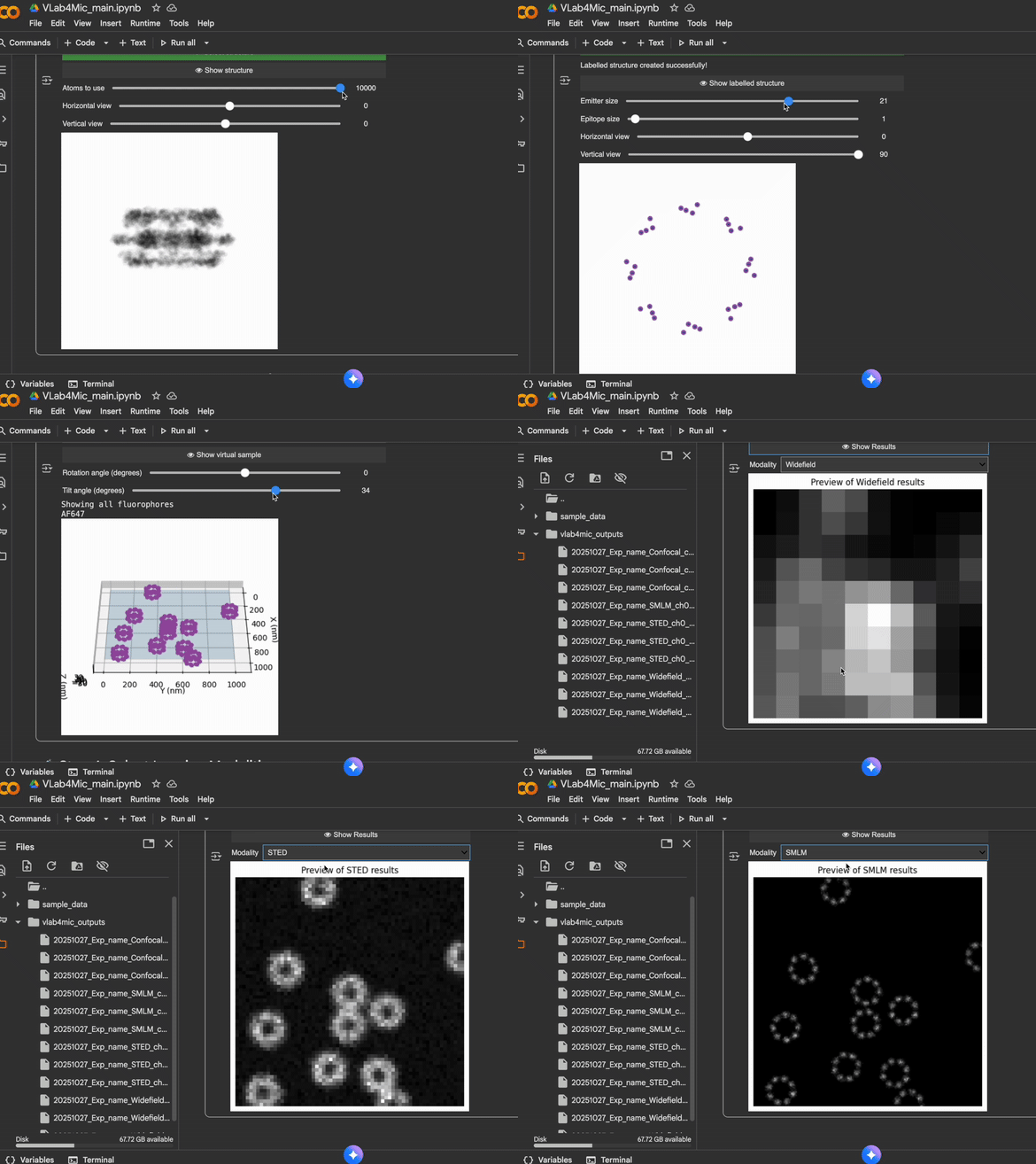
Why VLab4Mic?
-
Virtual Samples from Atomic Structures
Build virtual samples directly from PDB/CIF structural models and populate fields of view with particles.
-
Realistic Fluorescent Labelling
Model direct and indirect labelling with antibodies, nanobodies, GFP, SNAP-tags and more — including labelling efficiency and steric hindrance.
-
Multi-Modality Imaging Simulation
Simulate image acquisition across Widefield, Confocal, STED, AiryScan, SMLM, and custom modalities with physically-grounded PSFs and noise models.
-
Parameter Sweeps
Systematically test parameter combinations and compare outputs — quantify how labelling efficiency, probe distance, or exposure time affect your images.
Quick Start
Then run your first imaging simulation:
from vlab4mic.experiments import image_vsample

images, noiseless, experiment = image_vsample(run_simulation=True)
Available Notebooks
| Category | Description | Notebook | Colab |
|---|---|---|---|
| Main Interface | Create virtual samples and simulate image acquisition with multiple imaging modalities |  |
 |
| Parameter Sweeps | Generate and analyze simulations over parameter ranges for optimization | |
|
Video Tutorials
| Tutorial | Video |
|---|---|
| Tutorial 1 | 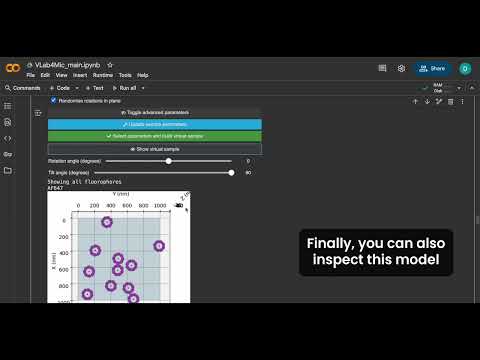 |
| Tutorial 2 | 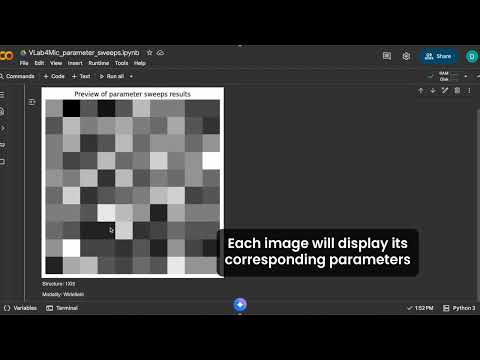 |
| Tutorial 3 | 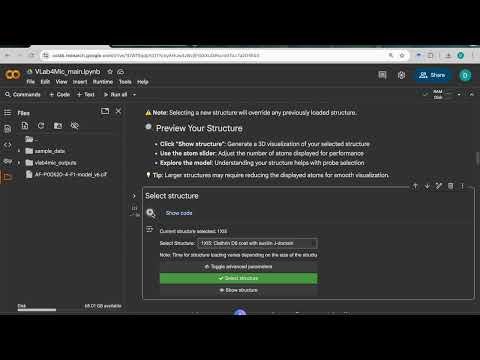 |
Usage Options
| Option | Skills Needed | Best For |
|---|---|---|
| Google Colab | None | Beginners, teaching, quick experiments |
| Local Jupyter Notebooks | Basic installation | Smooth widget-based use |
| Python Scripts | Comfortable with code | Full flexibility & automation |
Citation
If VLab4Mic helps your research, please cite:
@article{martinez_2026_vlab4mic,
  title={VLab4Mic: prediction of structural resolvability in super-resolution microscopy},
  author={Mart{\'{i}}nez, Dami{\'{a}}n and Saraiva, Bruno M. and Shakespeare, Tayla and
          Bates, Mark and Owen, Dylan M. and Leterrier, Christophe and
          Del Rosario, Mario and Henriques, Ricardo},
  year={2026},
  journal={bioRxiv},
  doi={10.64898/2026.06.02.729521},
  url={https://www.biorxiv.org/content/10.64898/2026.06.02.729521v1}
}